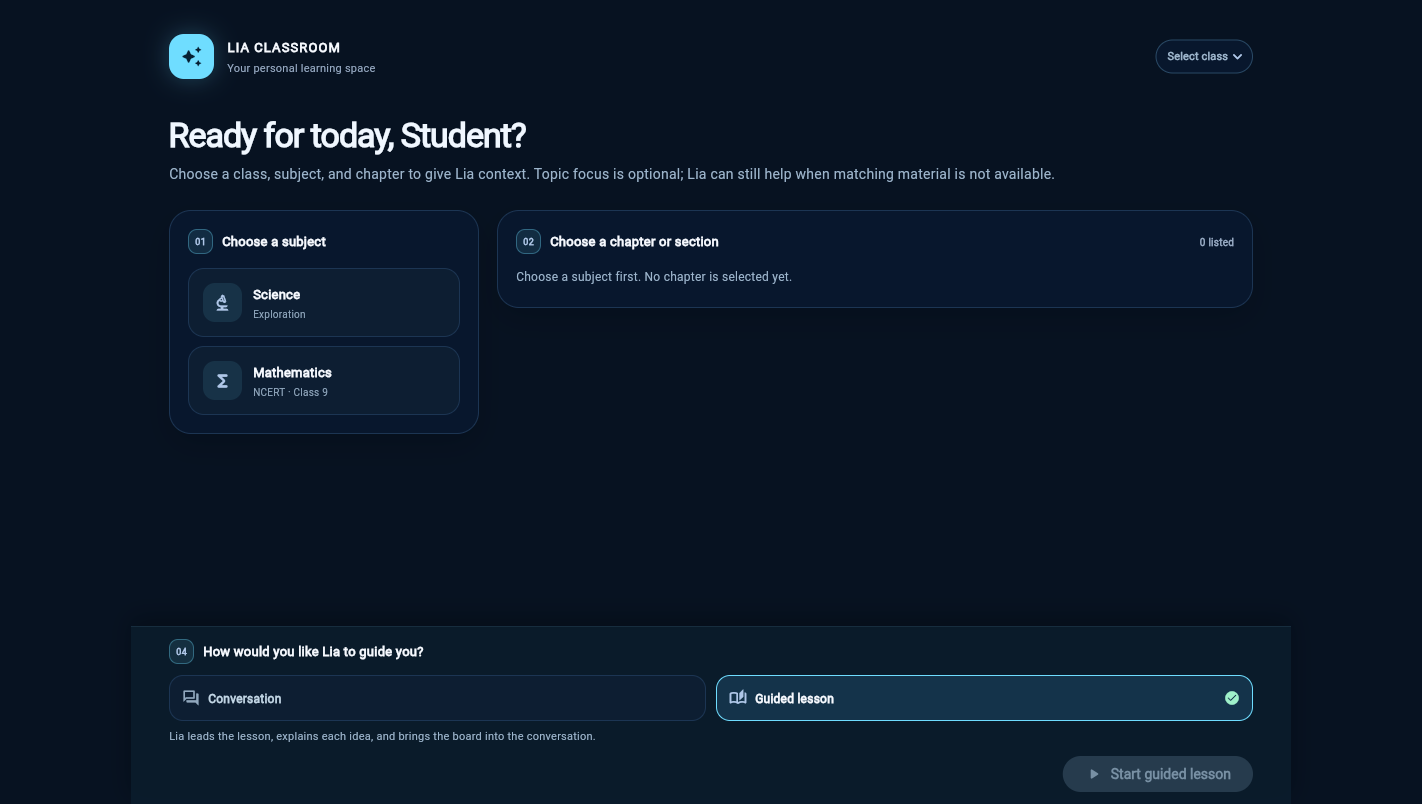
Two ways into a learning interaction
Guided lesson is designed for a selected lesson scope: Lia leads the explanation and can bring the board into the exchange. Conversation mode supports a more open question-and-answer flow. The selected class, subject and chapter remain visible as context in the classroom.
A board that follows the explanation
In the current implementation, a tutor turn may return spoken segments, board cues and a teaching-surface update. The client can reveal stages as the explanation progresses. This is best-effort synchronization; it is not a guarantee that every visual is perfectly aligned with every spoken word.
A concrete example
For the distance/displacement question, the board shows an origin, the full route, then a direct start-to-finish comparison. A teacher can pause on a stage, ask the learner what changed and use the visual to surface a misconception.
Designed to fit screen size
The classroom interface keeps curriculum selection, the board and the tutor interaction distinct on desktop, then arranges them in a scrollable sequence on smaller screens. This keeps lesson context available without turning the phone view into a compressed desktop grid.